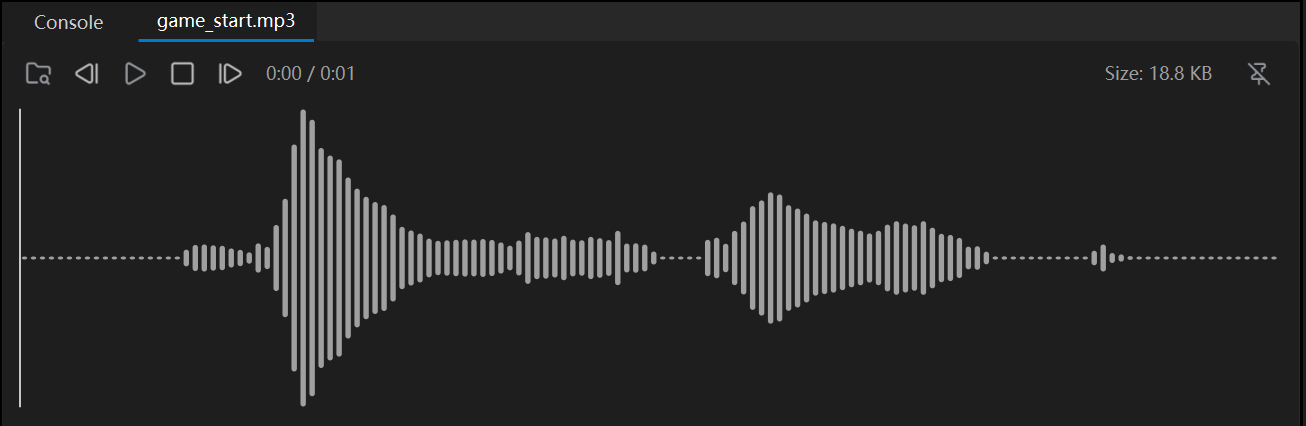
Audio Player
The Audio Player lets you listen to the project’s audio right inside the editor. Double-click an audio file in the Asset panel and it opens at the bottom of the window.
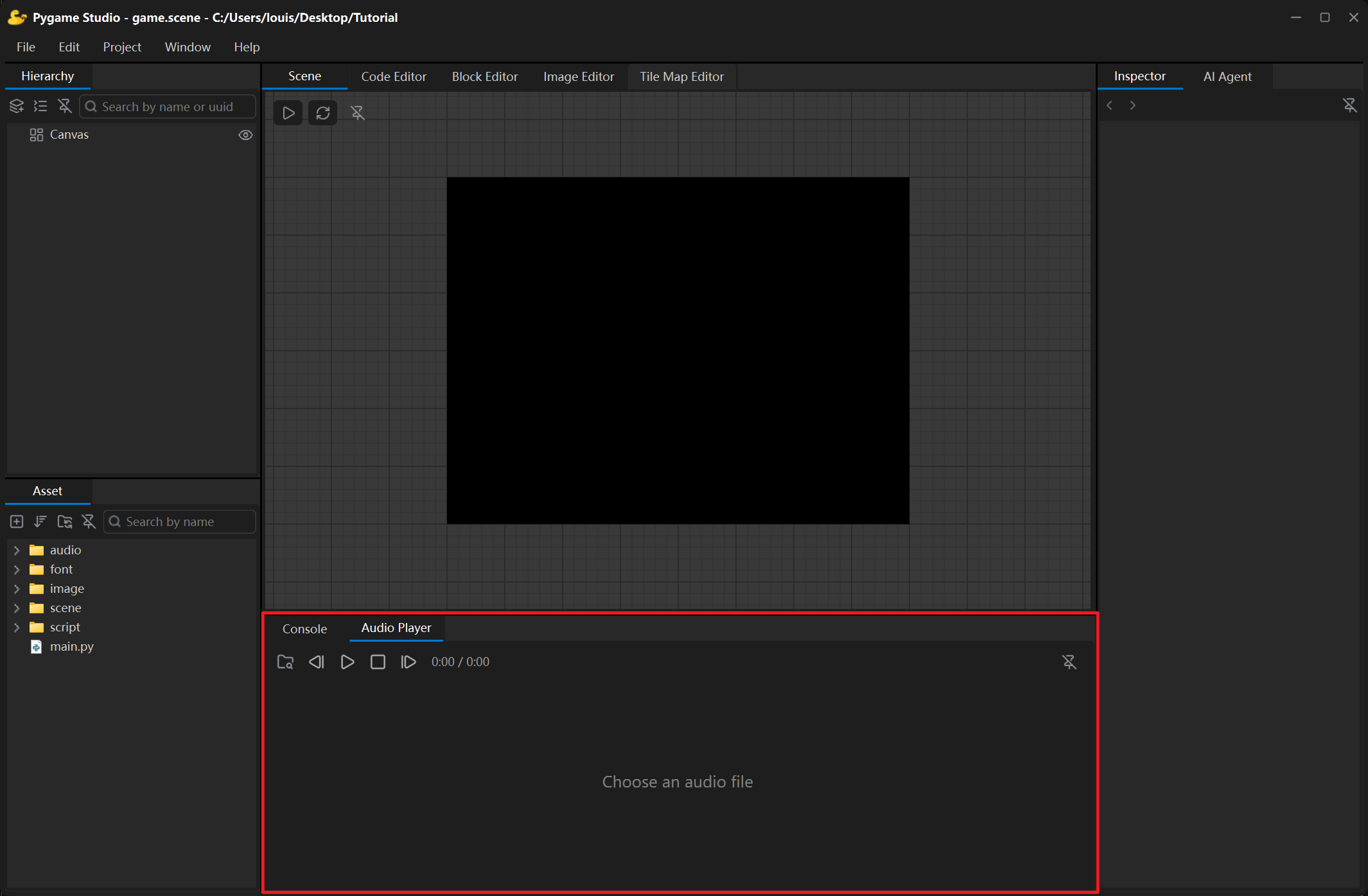
Toolbar
Section titled “Toolbar”| Control | What it does |
|---|---|
| Open Audio File | Opens a file dialog (supports .wav, .mp3, .ogg, .flac, .aif, .aiff, .m4a). |
| Previous / Next | Steps through the audio files of the project folder. |
| Play / Pause | Starts or pauses playback; the button icon follows the state. |
| Stop | Stops playback and returns to the beginning. |
| Detach | Floats the player in its own window; click the button again or close the window to dock it back. |
Without a file loaded, the bar under the toolbar shows Choose an audio file; once a file is loaded the waveform is drawn.